 LUMENOIR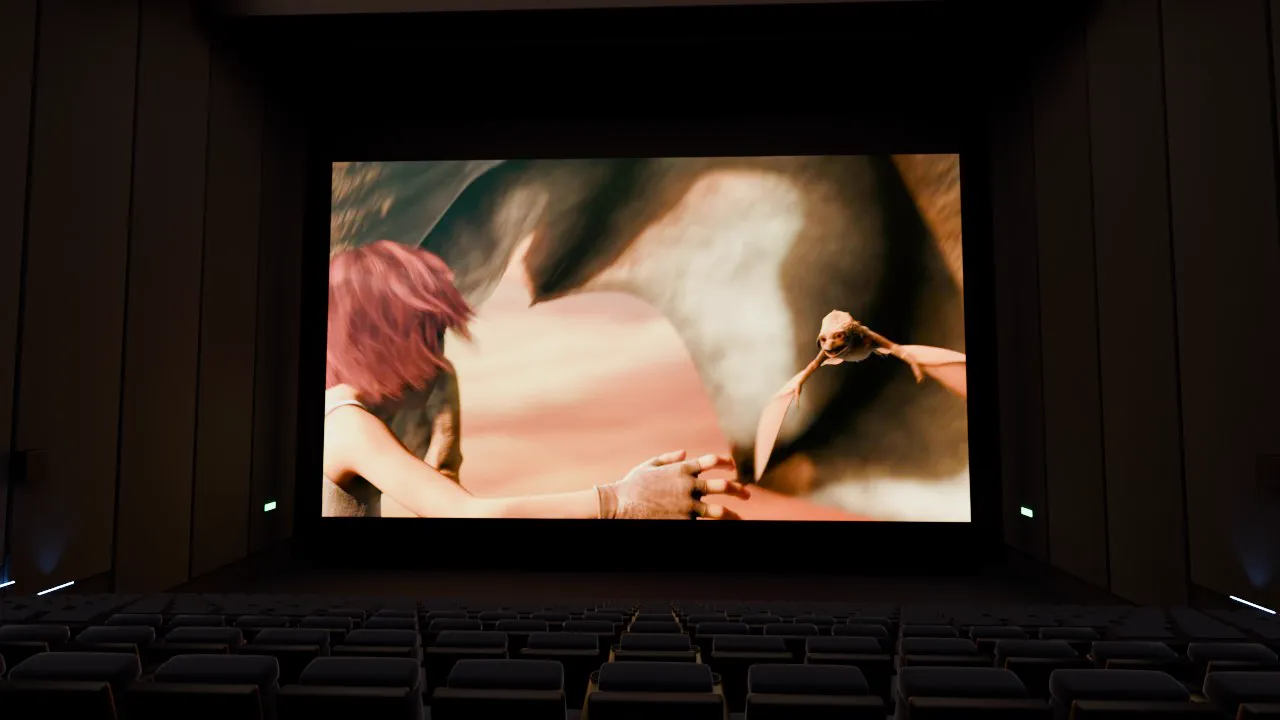
Theaters
Large-format 1.43:1 auditorium
A 25.7 by 18 m screen, floor to ceiling, in the format of the largest theaters in the world. Films shot for it finally have room to breathe.
Plug in your USB drive, open your Plex or your NAS, and take your seat. Lumenoir turns your headset into a real movie theater, with the screen, the light and the sound that go with it.
The app's real theater, right here in your browser. Start the film, dim the lights, watch the room take on its colors and hear the sound come from the speakers. With headphones, it's even better.
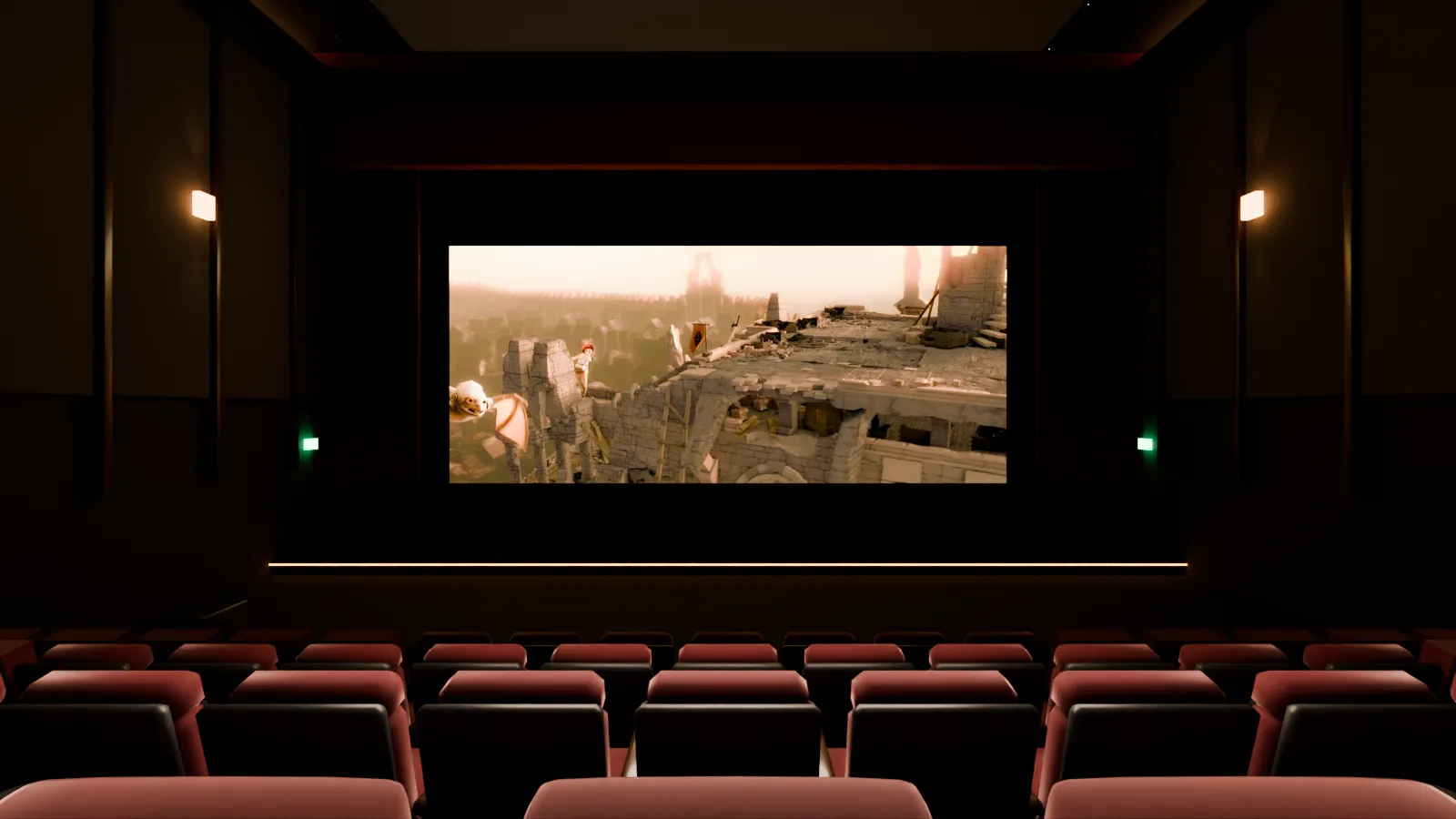 Drag to look around
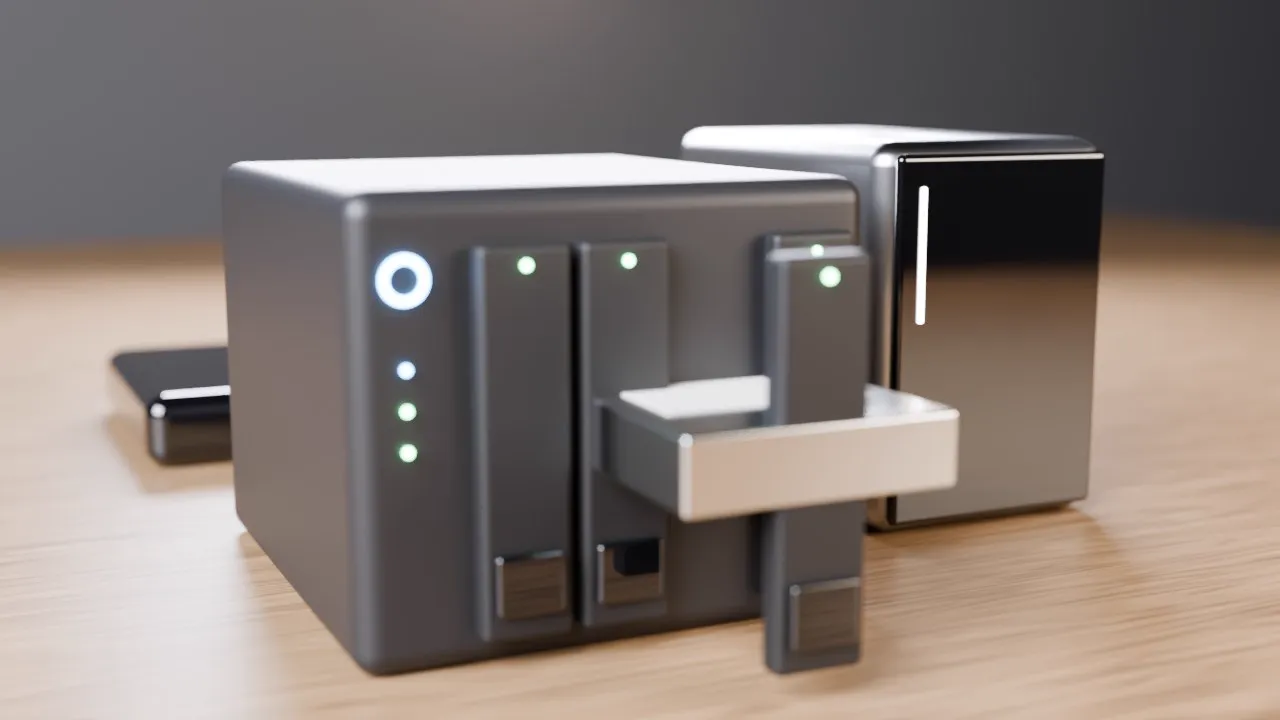
Lumenoir plays your files where they live: on the headset, on a USB drive, on your Plex or Jellyfin server, on your NAS. Nothing to copy, nothing to convert, no extra subscription.
Every theater is modeled seat by seat and lit by ray tracing, then tuned to stay sharp and smooth, even on a Quest 2.
A 25.7 by 18 m screen, floor to ceiling, in the format of the largest theaters in the world. Films shot for it finally have room to breathe.
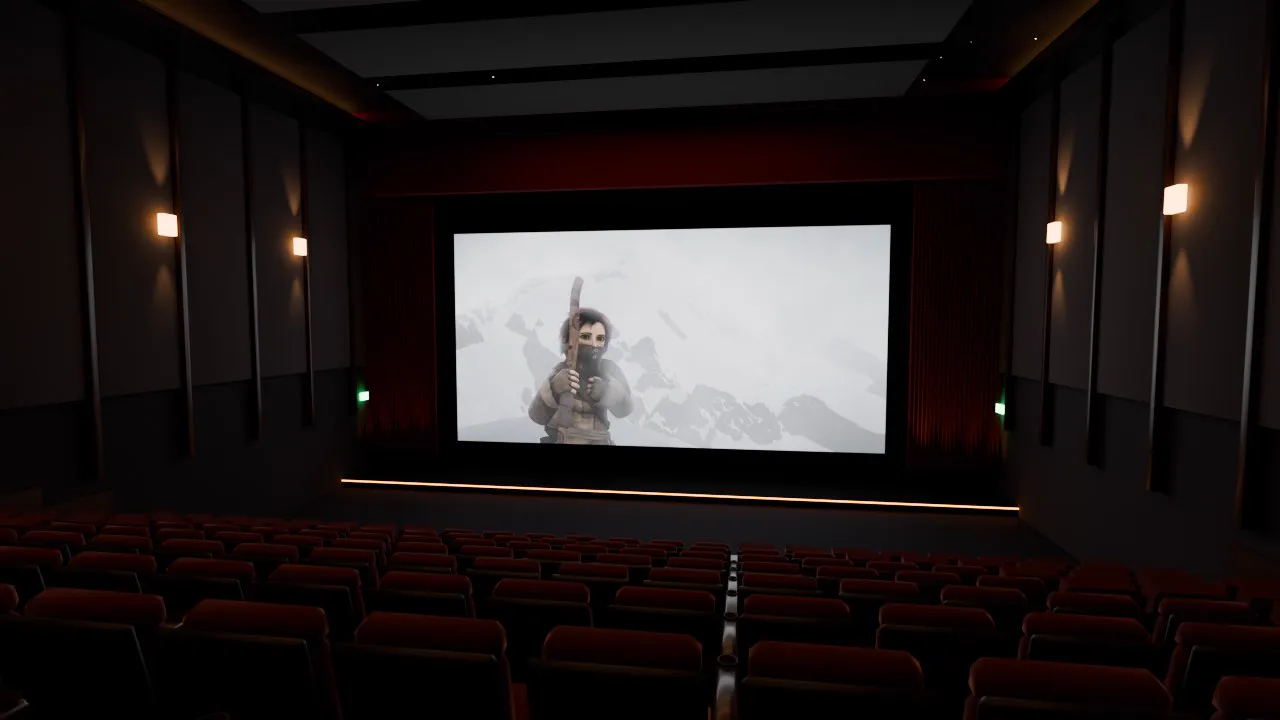
Red velvet, curtains, wall lights and a starry ceiling. The neighborhood theater you go to on a Sunday night, only better.
New theaters are on the way, included in Premium, such as a room made for horror films.
A starry night, total darkness, or your own room in passthrough, with the screen right in front of you.
Each channel of the soundtrack becomes a speaker placed in the room. The sound is computed for the shape of your ears (HRTF) and follows your head: an explosion on your left stays on your left when you turn.
Dialogue can be boosted, night mode keeps explosions in check, and 360° videos keep their ambisonic sound.

 OffOn
OffOn
The film's colors play across the walls, seats and curtains in real time. A fire on screen turns the whole theater red; a night scene bathes it in blue.
Drag the bar to compare. You can also set the house lights, and the effect pauses on its own when the headset needs the headroom.
The format is recognized on its own and the picture set up for each eye. You keep the original audio tracks and subtitles.
None of it. Open the app, watch your film. Read the privacy policy
Passwords and tokens are encrypted by the headset's secure keystore and sent only to their own server.
Lumenoir plays straight from the headset, your drive or your network. No Lumenoir server ever sees your files.
After a crash, an anonymous report is sent only if you agreed. You can change your mind at any time.
Install Lumenoir from the Meta Horizon Store, then open your videos: those on the headset, on a USB-C drive, on your Plex or Jellyfin server, or on your NAS. Pick a theater, and the film appears on a cinema screen, at the right size, with the sound placed around you.
A good VR player should play your formats without conversion, keep the original picture and sound, and never make you copy your files. Lumenoir plays 4K HDR, TrueHD and DTS-HD, 3D, VR180 and 360°, and connects directly to Plex, Jellyfin and NAS drives.
Side-by-side (SBS) and over-under (OU) 3D films are recognized on their own from their metadata or file name. Lumenoir sends one picture to each eye: you see depth without glasses. iPhone spatial videos play in true 3D.
Yes, including fisheye up to 220° and the ambisonic sound of 360° videos. The format is detected automatically, and you can change it by hand during playback.
Yes, for free. Link your account with a code on plex.tv/link, then find your libraries, collections, playlists and resume points, in original quality when your network allows it.
With Premium, Lumenoir connects to the shared folders of your NAS (Synology, QNAP, UGREEN, Freebox, PC or Mac) over SMB, and to DLNA, WebDAV, FTP and SFTP servers. Videos stream live, with posters and resume.
Yes, from your own copies: ISO images and VIDEO_TS or BDMV folders. Every language, commentary and subtitle on the disc is available, with the original sound. Disc menus are not supported.
No. Lumenoir has no accounts. Each source signs in its own way, directly from the headset.
It plays everything in original quality, 4K and HDR included, with no ads or watermark. Premium adds the large-format auditorium, unlimited 3D and VR, 7.1 sound, ambient lighting, NAS and discs. Every day, 20 minutes of Premium are on the house.
No. It is a one-time purchase on the Meta Horizon Store, valid for life and on all your Meta headsets with the same account.
Meta Quest 2, 3, 3S and Pro. The app is tuned first for the Quest 2, the most demanding, so it stays smooth everywhere.
Write to support@lumenoir.app, or use Settings › More › Send feedback in the app.
A headset like the Meta Quest 3 shows a different picture to each eye, very close to them. A VR video player uses this to put a screen of any size in front of you, in a real theater, at the right distance. That is what makes it feel like going to the movies, at home, without disturbing anyone.
A classic 3D film is made of two pictures, side by side or one above the other: you watch it on a screen, with depth. A VR180 video wraps halfway around you, in front; a 360° video wraps all the way. Fisheye videos come from cameras with very wide lenses. Lumenoir recognizes these formats and shows them correctly with no setup.
Many setups convert your films on the fly, which costs quality and puts the server to work. Lumenoir plays files as they are: 4K, HDR10, HLG, TrueHD or DTS-HD sound. Decoding happens in the headset, on the video processor built for it.
Plex and Jellyfin organize your library with posters, summaries and collections: Lumenoir connects to them directly. If your films simply sit in folders on a NAS or a computer, Lumenoir plays them over SMB, DLNA, WebDAV, FTP or SFTP, with nothing else to install.
In a theater, sound comes from everywhere. Lumenoir puts each channel of a 5.1 or 7.1 soundtrack in its place in the virtual room and computes it for your ears. With the Quest's built-in speakers or headphones, voices stay in front of you and ambiences surround you.
A well-made theater tires the eyes less than a screen floating in the void. Lumenoir keeps 90 frames per second in the menus, follows the film's frame rate during playback, and lowers power use while you watch without moving.
Lumenoir is coming to the Meta Horizon Store. Meanwhile, the theater is open just above.